


Say you are used to emailing for a quote and waiting a day for an answer. Instant pricing turns that around: you enter the trip, the booking engine shows every available vehicle with its all-in price, and you reserve in minutes. Here is what that means in practice, what to enter and what to watch.
The old way: ask, wait, compare
For years, booking a limo meant filling in a form or phoning, describing the trip and waiting for a quote. The answer arrived hours later, sometimes with a range, sometimes with extras mentioned only on a second call. Comparing two quotes meant lining up two different documents and hoping they described the same trip.
The delay was not only slow, it was uncertain. By the time the quote arrived the vehicle might be taken, and you were deciding on an old number.
It also meant that smaller questions never got asked. People did not like to bother a company for a second and third quote, so they settled for the first answer. Instant pricing removes that awkwardness, because you can try as many variations as you like without troubling anyone.
Instant pricing in four steps
Instant pricing replaces the waiting with four steps:
- Enter pickup and drop-off. Airport, hotel, home, venue or address.
- Choose date and time. The engine uses them to see what is available.
- Press Next. Every available vehicle appears with its all-in price.
- Pick a vehicle and reserve. Confirmation follows in minutes.
There is no form to submit and no one to chase. The booking engine is open at any hour.
What 'all-in' should tell you
An all-in price is meant to be the price for the trip you described, shown for each vehicle, so you can compare without adding up extras yourself. Read the details on the screen for what the price covers, and if you need clarity on anything, such as gratuity or extra stops, ask support before you reserve. We would rather a question than a surprise.
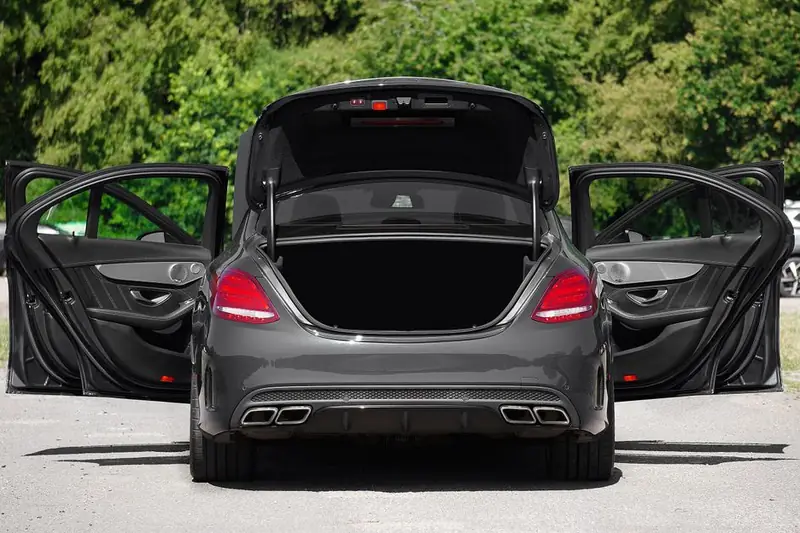
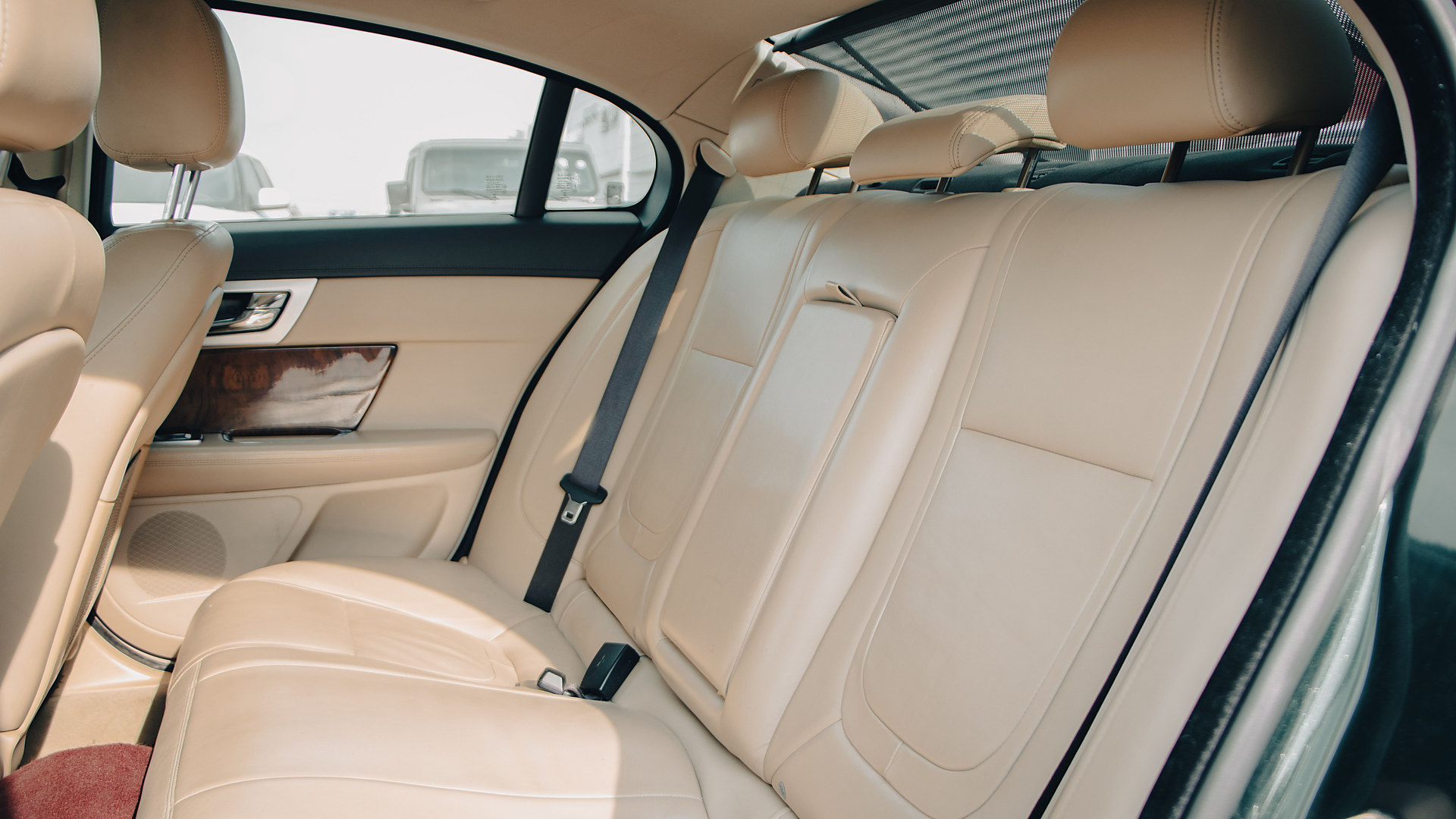
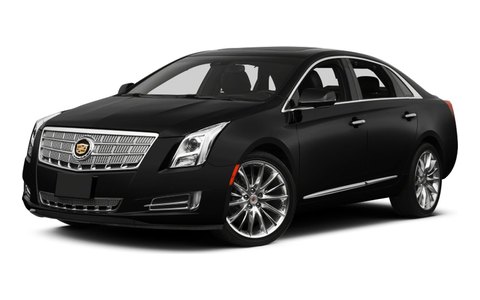
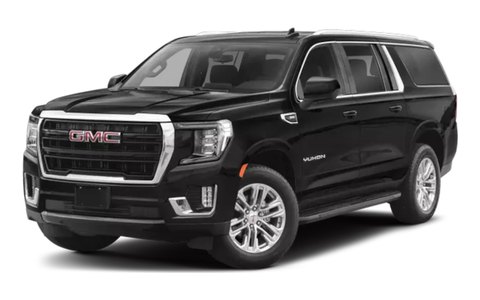
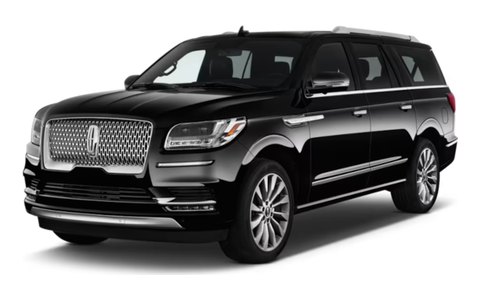
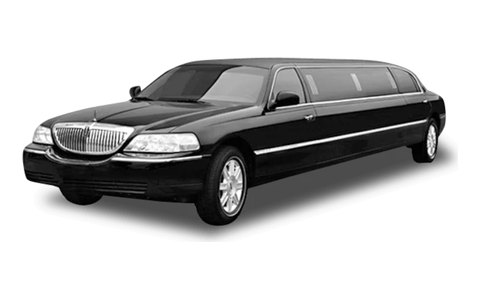
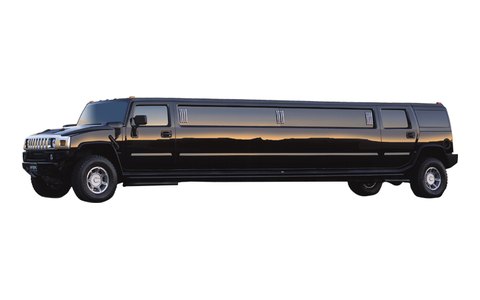
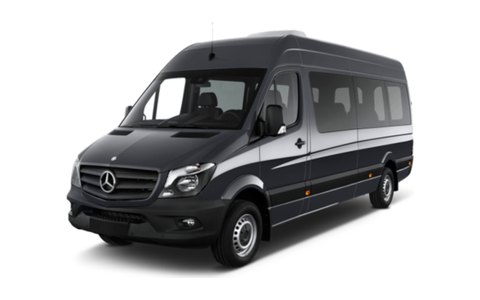
Because the price is shown for a specific vehicle, you are comparing like with like: the same trip priced across a Standard Sedan, an SUV, a Sprinter or an Executive Sedan, side by side.
One habit worth keeping: screenshot or save the price page and your confirmation when you reserve. If you ever need to check what was shown, you will have it in front of you, and so will we.
The same habit helps when you are comparing us with another company. Put the same pickup, drop-off, date and time into each, note the vehicle named, and compare the numbers line by line. That is the cleanest way to compare, and it is the reason we show the price up front.
What changes the number
Without publishing any figures, the main drivers are easy to understand:
- Distance and route. A longer trip generally costs more than a short one.
- Vehicle class. A Maybach sedan and a Standard Sedan are different services.
- Date and time. Busy times and late hours can change what is available.
- Stops and waiting. Extra stops or time on the clock change the trip.
If you change any detail, the engine recalculates, which makes it easy to test what a different time or vehicle does.
Why it helps planners and travellers
Instant pricing helps in three ways. You can decide in one sitting rather than over several days. You can show the price to a boss, a partner or a client in seconds. And you can try variations, such as an earlier pickup or a bigger vehicle, to see what suits.
It also protects you from price creep. When the figure is on the screen at the moment of booking, the conversation is about what you want, not what you were told last Tuesday.
It is especially helpful when the trip is for someone else. An assistant can price the trip, confirm the vehicle class with the traveller and reserve without a round of emails. A parent can check what a prom car or wedding transfer looks like before deciding. A host can compare an SUV with a Sprinter for a group before telling the guests.
It also makes budgeting more honest. If the trip has to fit a figure someone else has in mind, you can see at once which vehicles are in range and which are not, and adjust the time, the class or the route to suit.
When to call anyway
Some trips are worth talking through: a multi-day itinerary, a large event with many cars or a trip that crosses regions. For those, call the 24/7 line at +1-877-508-3344 or email [email protected]. Many people price the basics in the engine first and then call with specific questions, which makes the conversation short and useful. Hourly work is covered in our hourly chauffeur guide.
Price your trip now
The surest way to understand instant pricing is to use it. Put in a real trip, check the vehicles that appear and see what the all-in price looks like for each. If it suits, reserve; if not, change a detail and look again. You can start from the booking page or browse the fleet first to decide which class you want.
Official information & sources
- Destination Canada destinationcanada.com
Official sites, checked November 2026. Opening times, rules and event dates can change; confirm with the source before you travel.
Frequently asked questions
Is instant pricing a final price or an estimate?
The booking engine shows an all-in price for each available vehicle based on the trip details you enter. Read the details on screen and ask support if anything needs clarifying.
Do I still need to request a quote?
No. Asking for a quote is gone: you price it instantly and reserve.
What if my trip is complicated?
Price the main legs in the engine, then call +1-877-508-3344 or email [email protected] to talk through extras.
Does the price change if I change the time?
It can, because availability and conditions may differ. Enter the new time and the engine shows the updated vehicles and prices.
Can I use it for airports?
Yes. Enter the airport as pickup or drop-off, with your date and time, and the engine shows the options.
More on How-to & buyer guides