



Say you own the travel policy at a growing company and the corporate travel policy ground transportation section is a single vague sentence. Employees guess, managers approve inconsistently, and executives book whatever they like. This guide shows how to turn that sentence into clear, fair rules that people can follow without calling you.
Why corporate travel policy ground transportation deserves attention
Most travel policies spend pages on flights and hotels and a line or two on getting around. Yet ground transport is where small decisions repeat every week: how a new hire gets from the airport, whether a late-night arrival justifies a car, and what a team does when a flight lands at midnight. Without a rule, each of these becomes a conversation, and conversations cost time.
A well-written corporate travel policy ground transportation clause does three jobs. It protects people, it keeps spend predictable, and it saves managers from making the same decision again and again.
What goes wrong with a vague clause
Imagine two employees on the same trip. One takes a taxi from the stand after a long delay, and expenses it without comment. The other books a premium car, and her manager questions it. Both acted reasonably under unclear wording, and now there is friction. Meanwhile, an executive arrives late at night, and no one is sure whether the policy allows a pre-arranged car. The result is inconsistent decisions, awkward conversations and a policy people stop reading.
Vague rules also hide a duty-of-care gap. If nobody has defined what a safe late-night arrival looks like, employees solve it on their own, with varying results.
Building the clause, step by step
Start by listing the common trips: airport arrivals and departures, client meetings, evening events, multi-city days and group moves. For each, decide the default option. A routine airport run might default to a Standard Sedan. A late-night arrival might default to a pre-booked car regardless of cost tier. An executive on a tight schedule might have an hourly chauffeur arrangement.
Then define who decides. Many companies let employees choose within a vehicle class and require approval above it. Finally, decide how the booking is made. A single route, such as the booking engine, where the all-in price is visible before reserving, makes approval simple, because the manager can see the same price the employee saw. For recurring needs, read how a corporate car service can be organized around the policy.
Matching vehicle classes to roles and trips
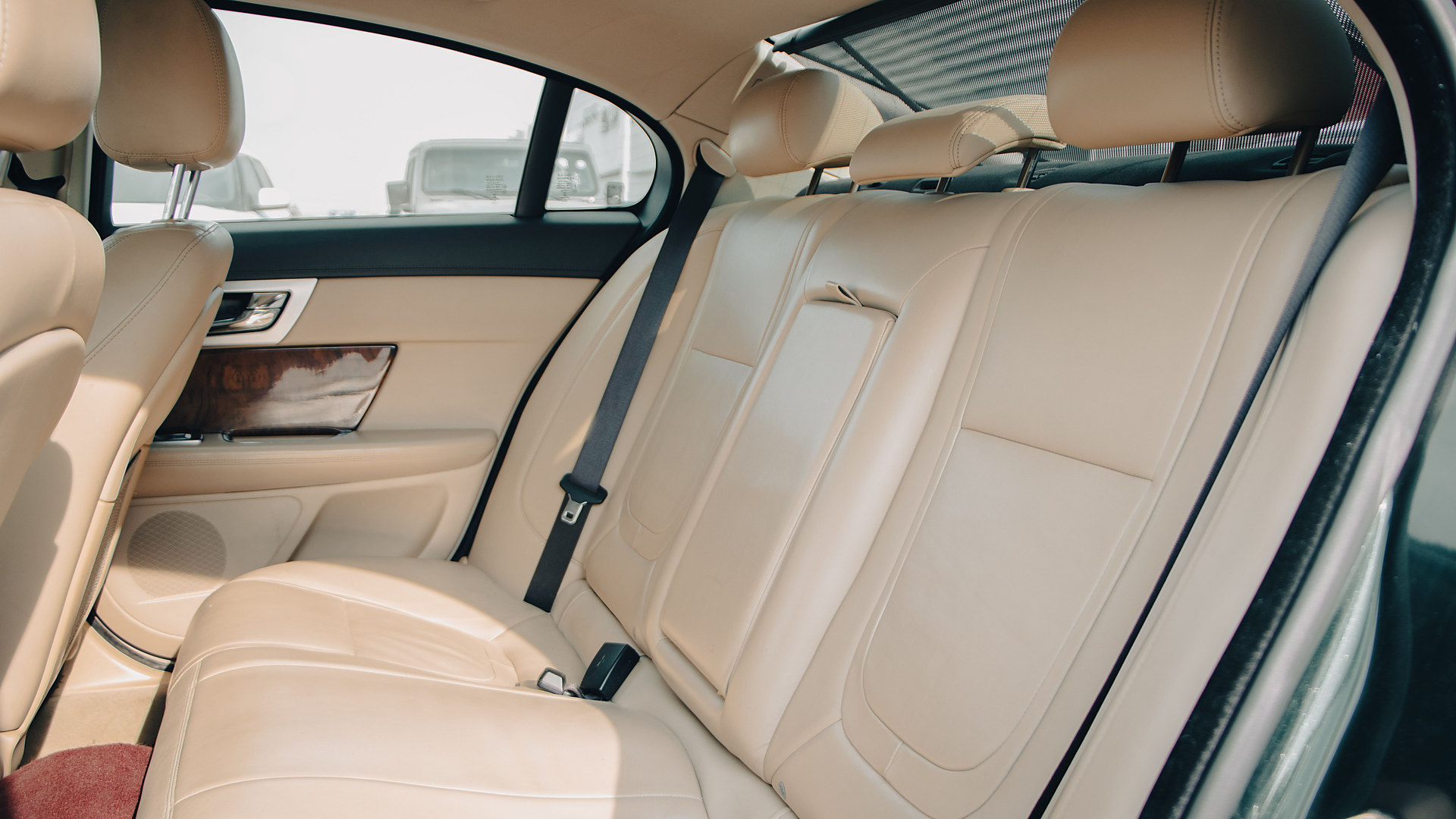
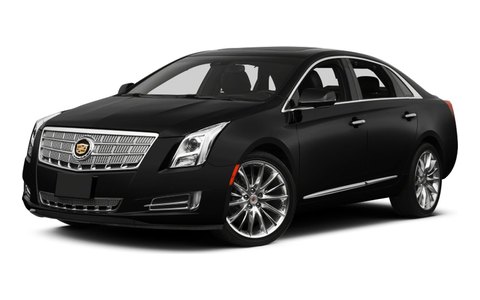
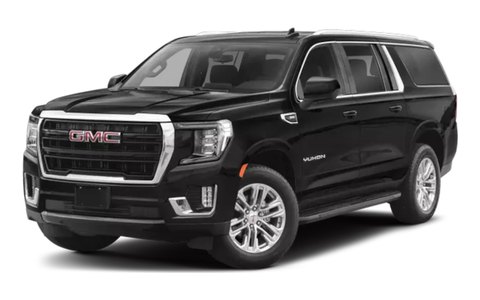
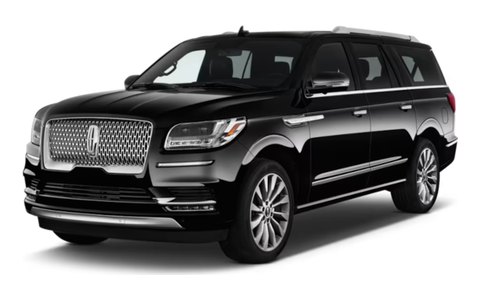
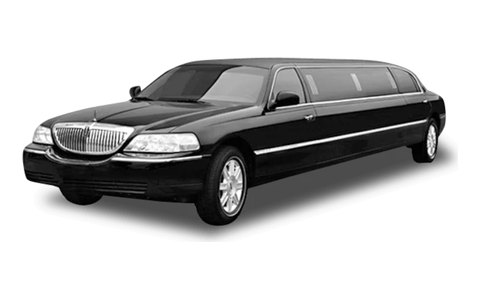
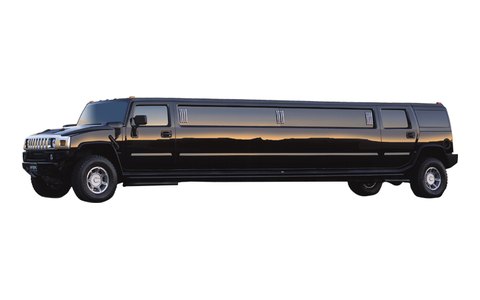
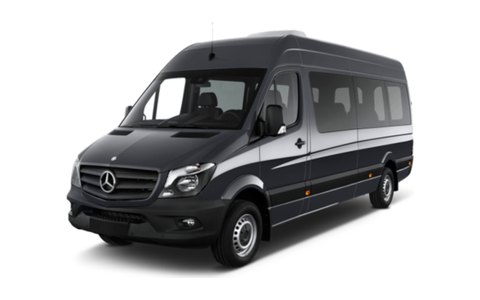
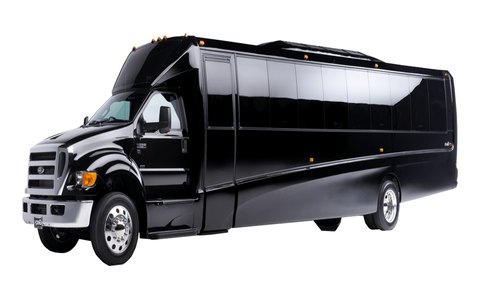
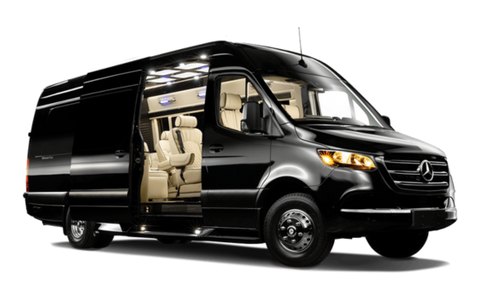
A clear table helps more than prose. Put the vehicle classes in the left column and the situations in the right. A Standard Sedan, with two passengers and two bags, fits individual travel. The First Class Executive Sedan E | S Class suits senior staff and client-facing trips. An SUV Business Standard, with six passengers and six bags, fits small teams moving together, and a Sprinter Standard, with twelve passengers and twelve bags, fits group arrivals and departures.
| Situation | Default vehicle |
|---|---|
| Solo airport transfer | Standard Sedan |
| Senior leader or client-facing trip | First Class Executive Sedan E | S Class |
| Team of three to six | SUV Business Standard |
| Group of up to twelve | Sprinter Standard |
Late nights, delays and exceptions
Write a short exceptions paragraph. Say that employees may pre-book a car for any arrival after a set hour, that a delayed flight does not need a new approval and that a cancelled flight may trigger a reroute by road. Explain who to call after hours, and put the 24/7 number, +1-877-508-3344, in the document so it is not hunted for in an emergency.
Include a line about discretion for executives and visiting guests, so nobody has to explain why a particular booking is handled quietly. The airport meet and greet and flight tracking guide shows what to expect on an arrival, which makes the policy easier to describe accurately.
Handling exceptions without rewriting the policy
Every policy meets cases it did not expect. A conference moves, a client insists on a particular arrival, or a team needs a larger vehicle than the default. Instead of adding rule after rule, build an exception path into the corporate travel policy ground transportation section: a short statement of who can approve a different vehicle, and a requirement to note the reason in the booking.
Review the clause once a year. Look at which trips needed exceptions, and decide whether the default should change. If many employees book a larger vehicle for the same type of trip, the default is probably wrong. A policy that evolves with real use is more likely to be followed than one written once and forgotten.
Finally, share the policy with the people who book on behalf of others. Executive assistants and travel coordinators handle many bookings, and a one-page summary of the clause, with a link to the booking engine, saves them time and prevents mistakes.
Drafting checklist for the policy owner
- List the five most common ground trips at your company.
- Pick a default vehicle class for each trip.
- Define the approval path above the default.
- Choose a single booking route with visible all-in pricing.
- Add a late-night and delayed-flight paragraph.
- Name a contact and a 24/7 number.
- Test the clause by booking one trip yourself.
Price it instantly and test the policy
Before you publish, test the rule against reality. Enter a routine route in the booking engine, see the instant price for each vehicle class and confirm the clause matches what employees will see. If you also manage executive travel, an executive car service arrangement can sit beside the policy as the default for senior staff. Then reserve a test trip and check the confirmation from an employee's point of view.
Official information & sources
- Destination Canada destinationcanada.com
Official sites, checked November 2026. Opening times, rules and event dates can change; confirm with the source before you travel.
Frequently asked questions
Should the policy name a specific vendor?
It can name a preferred booking route, such as an online booking engine with visible all-in pricing, which keeps the rule easy to follow and audit.
How do we handle late-night arrivals?
Many companies allow employees to pre-book a car for arrivals after a set hour. The policy should say so plainly.
Can executives have a different default?
Yes. Many policies set a higher default vehicle class for senior leaders and client-facing trips.
What if a flight is delayed or cancelled?
Airport jobs include flight tracking, so delays adjust the pickup. For cancellations, call the 24/7 line on +1-877-508-3344.
How do managers approve a booking?
If the booking engine shows the all-in price before reserving, approvals can reference the same number the employee saw.
More on Executives & corporate travel